Case fans are the quietest upgrade you can make to a PC. They decide how much cool air reaches your processor and graphics card, and how quickly heat leaves the cabinet once it builds up. A system with well-planned airflow runs cooler, holds higher clock speeds for longer, and stays noticeably quieter under load.
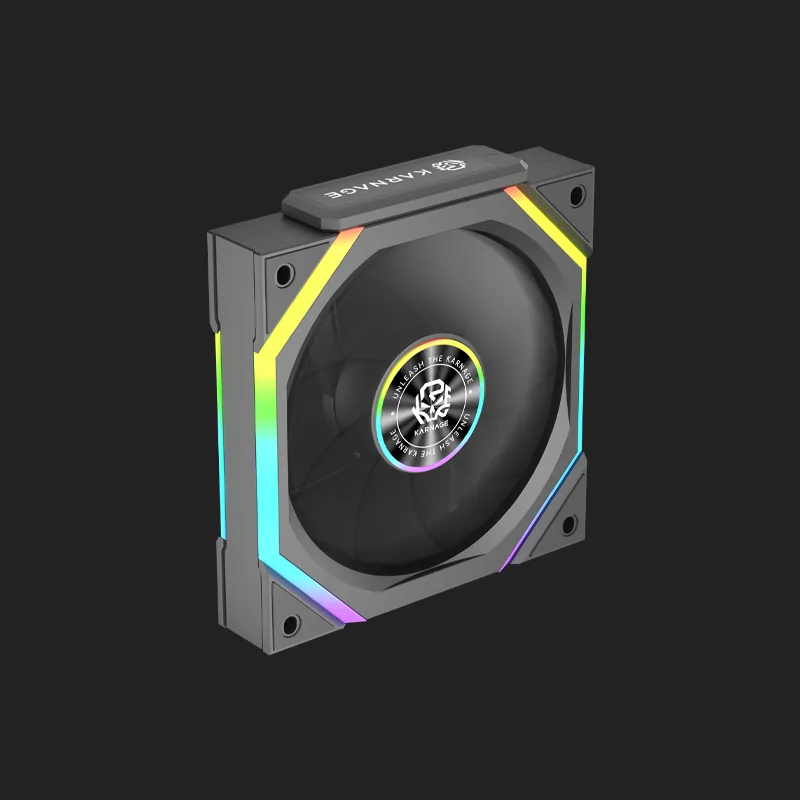
The Karnage ARGB case fan range is built for both sides of that equation: strong static pressure for radiators and restrictive mesh panels, and smooth addressable lighting that syncs with the rest of your build.
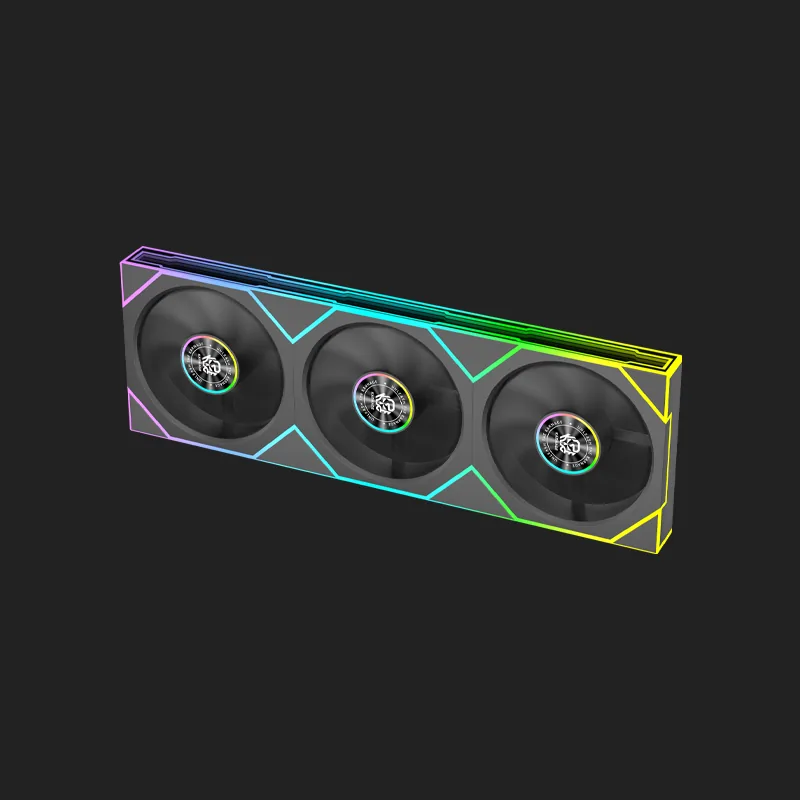
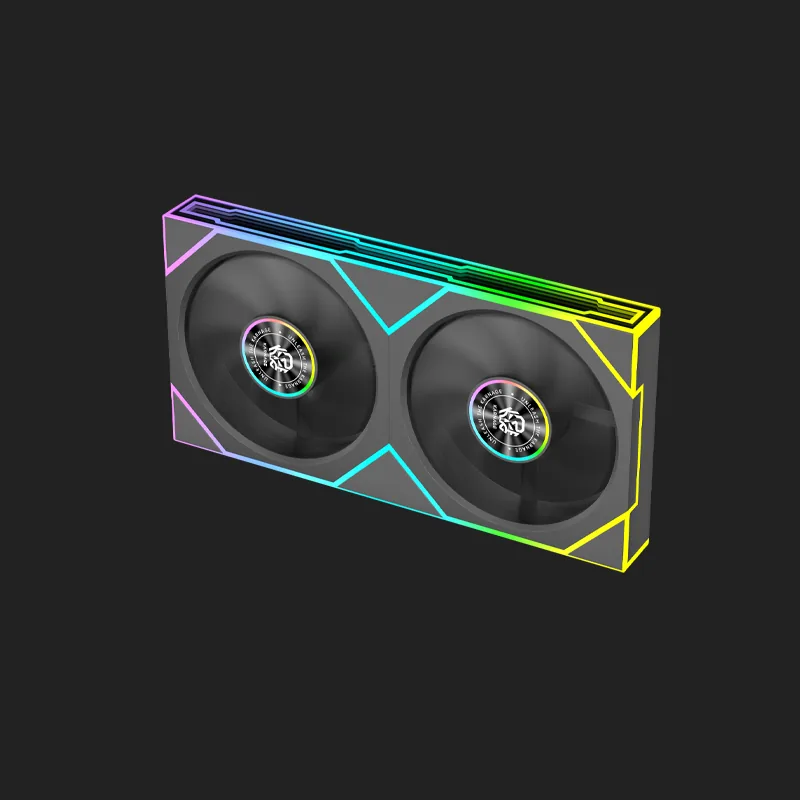
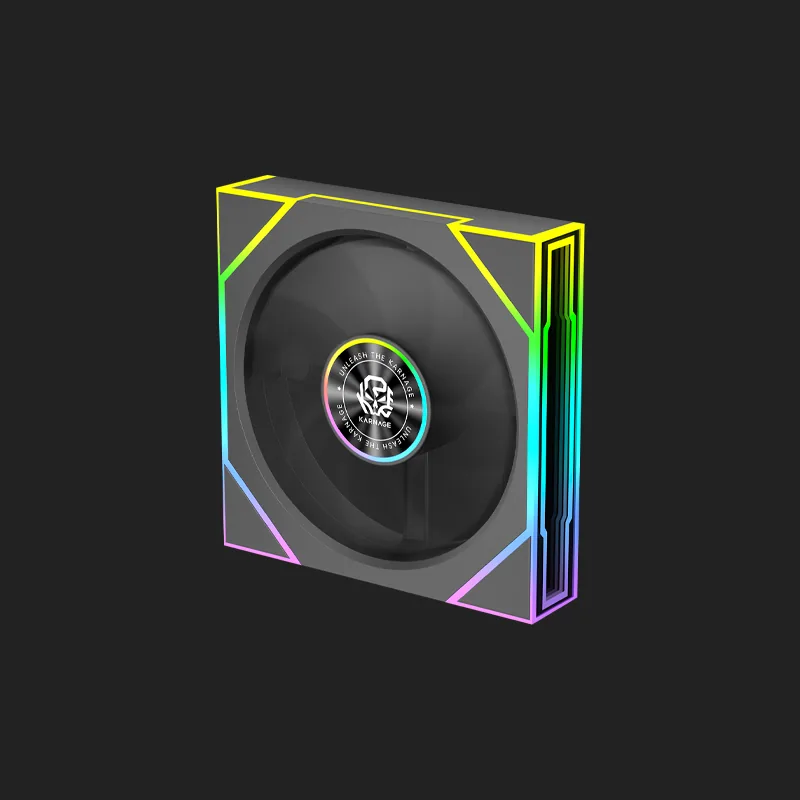
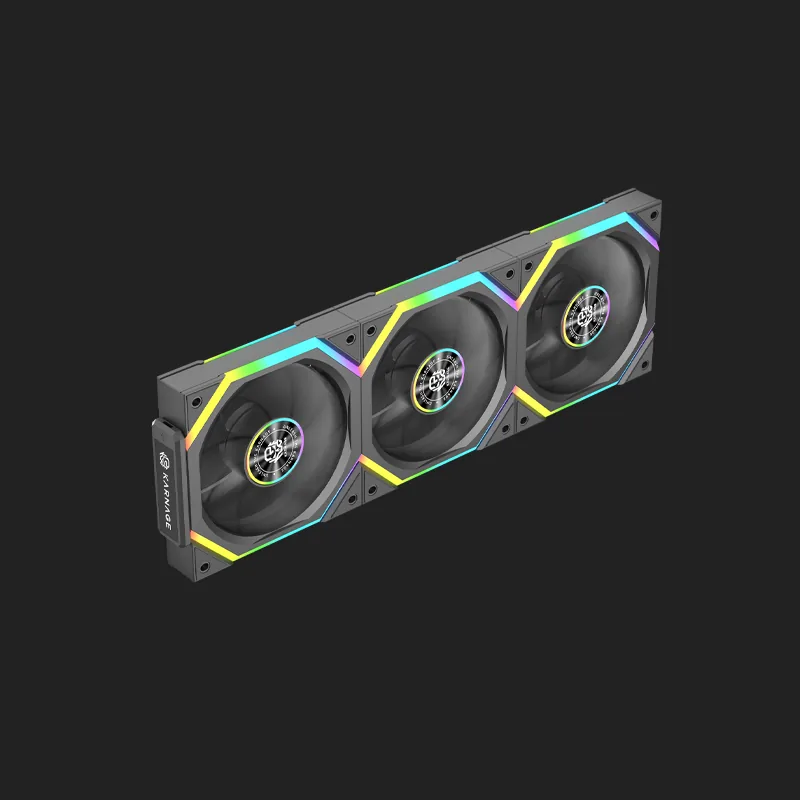
Available in 120mm, 240mm and 360mm configurations, in white and black, our case fans suit everything from a first budget build to a fully water-cooled enthusiast system.
Why Case Fans Matter More Than People Think
Modern processors and graphics cards are designed to run as fast as their temperature allows. When heat builds up inside a poorly ventilated cabinet, they automatically reduce their own speed to protect themselves. You lose performance you already paid for, without any warning on screen.
Adding the right case fans, pointed the right way, is one of the cheapest ways to recover that lost performance and reduce noise at the same time.
Intake, Exhaust and Airflow Direction
Cool air should enter at the front and bottom, and warm air should leave at the rear and top. Getting this direction right matters more than simply adding more fans. Every fan has an arrow on its frame showing which way it blows.
Static Pressure vs Airflow
Fans mounted against a radiator, dust filter, or dense mesh need static pressure to push air through the restriction. Fans in open positions mainly need airflow. Our ARGB fans are designed to handle both roles well.
Choosing the Right Case Fan Setup
Start with what your cabinet supports. Most mid-tower builds run well with two or three 120mm intakes at the front and one rear exhaust. If you are running an all-in-one liquid cooler, match the fan size to your radiator: 240mm radiators take two 120mm fans, and 360mm radiators take three.
Balance matters too. Slightly more intake than exhaust creates positive pressure, which helps keep dust out of the cabinet because air enters through your filters rather than through every gap.
Fan Size and Noise
A larger fan moves the same volume of air at a lower speed, which usually means less noise. Where your cabinet allows bigger fans, using them is an easy way to run quieter without losing cooling.
ARGB Lighting and Control
Addressable RGB lets each LED be controlled individually, so you can run smooth colour transitions across every fan rather than a single fixed colour. Most modern motherboards can control ARGB fans directly.
Kits and Single Fans
Our 3-in-one kits are the simplest way to fill a front panel or radiator in one go, with matched lighting across all three fans. Single fans are ideal for adding a rear exhaust or topping up an existing setup.
Frequently Asked Questions
1. What is the difference between 120mm, 240mm and 360mm case fans?
The number refers to the mounting size. A 120mm is a single fan. 240mm and 360mm normally describe radiator or bracket sizes that take two or three 120mm fans respectively, so they cover a larger area and move more air.
2. What does ARGB mean on a case fan?
ARGB stands for addressable RGB. Each LED can be controlled individually, which allows effects like colour waves and gradients across the fan, rather than the whole fan showing one colour at a time.
3. How many case fans should I install?
Most builds work well with two or three intake fans at the front and one exhaust at the rear. What matters most is that cool air comes in low and at the front, and warm air leaves at the rear and top.
4. Which way should a case fan face?
Look for the small arrow moulded into the fan frame. It shows the direction of airflow. Front and bottom fans should blow air into the cabinet, and rear and top fans should blow air out.
5. Do more fans always mean better cooling?
No. Airflow direction and balance matter more than the number of fans. Too many fans fighting each other, or all facing the same way, can trap warm air inside the cabinet.
6. Will ARGB fans work with my motherboard?
Most current motherboards include a 3-pin 5V addressable RGB header that will control these fans. If your board does not have one, an included or separate controller can be used instead.
7. Are bigger fans quieter?
Generally yes. A larger fan can move the same amount of air while spinning more slowly, and slower fans produce less noise. This is why many builders prefer the largest fans their cabinet supports.
8. Why choose Karnage cooler fans?
Karnage ARGB case fans combine strong airflow, quiet operation and smooth addressable lighting, in sizes and kits that suit both simple builds and full radiator setups.
.webp)