A computer cabinet is the foundation of every build. It decides how cool your components run, how quiet your system stays, and how much room you have to upgrade later. Whether you are assembling your first gaming PC or rebuilding a high-end workstation, the cabinet you choose shapes the performance and lifespan of everything inside it.
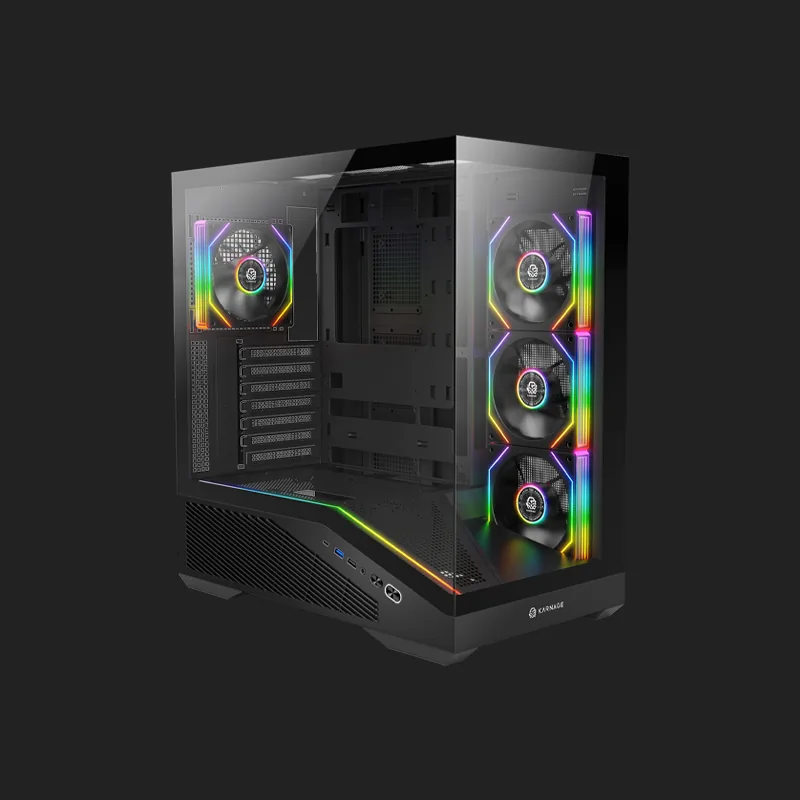
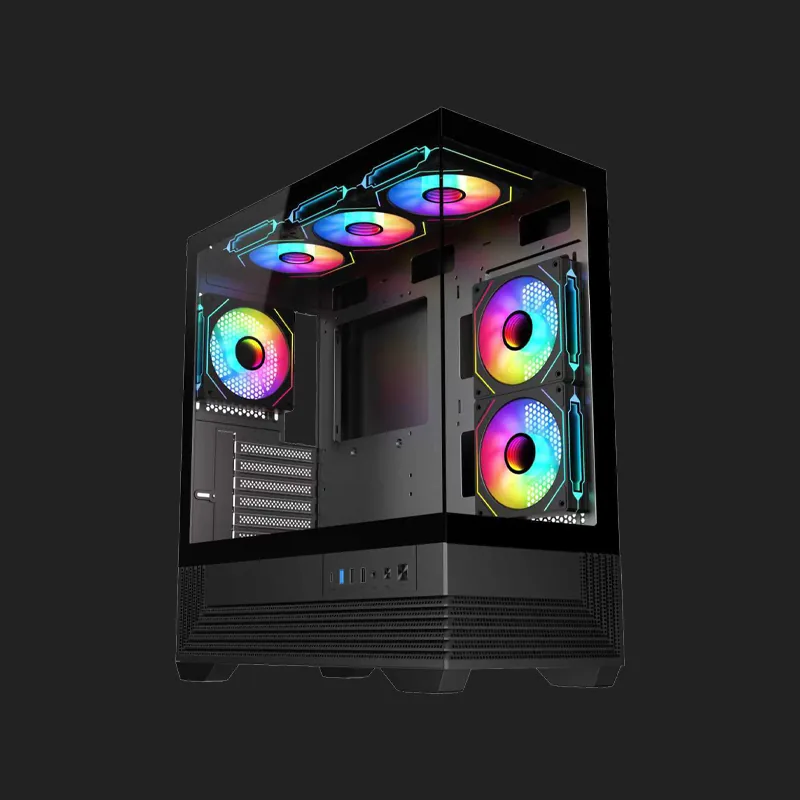
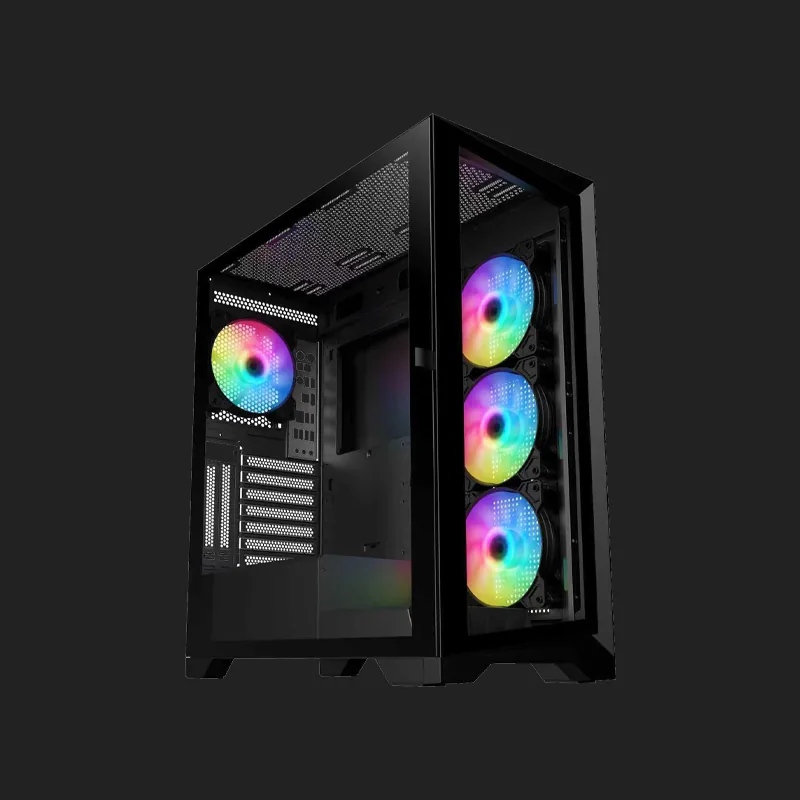
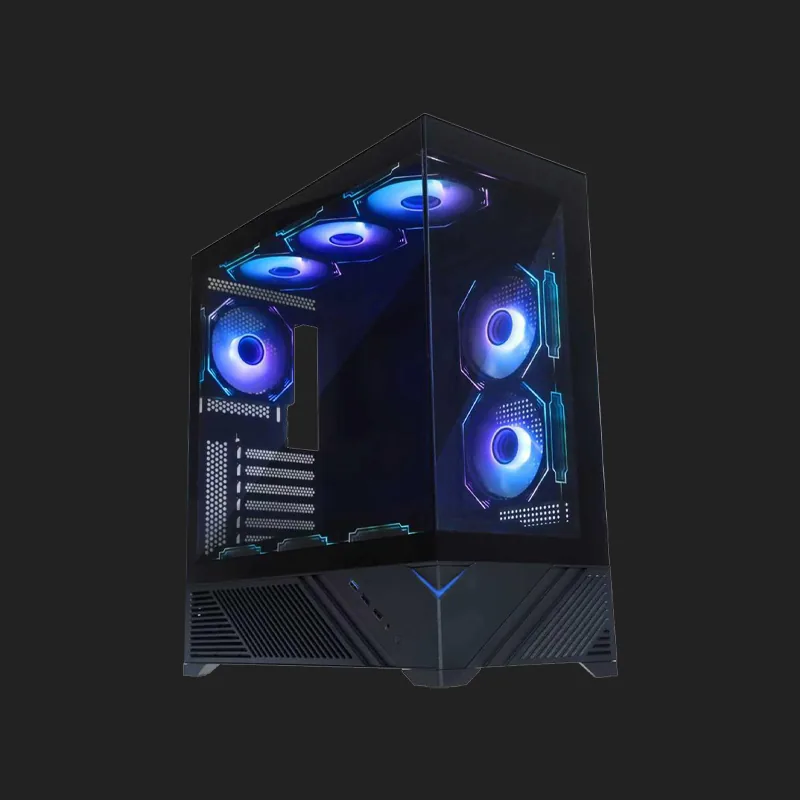
At Karnage, our cabinets are designed around real airflow rather than looks alone. Mesh front panels, generous radiator support, and clean cable routing keep temperatures low under sustained load, while tempered glass panels and ARGB lighting let you show off the build you worked for.
From compact mid-tower designs to full-sized enthusiast chassis, the Karnage cabinet range is built for gamers, creators, and anyone who wants a system that stays cool without sounding like a jet engine.
Why Your Cabinet Choice Matters
Many builders spend carefully on a processor and graphics card, then place them inside a cabinet with poor ventilation. Restricted airflow causes components to reach higher temperatures, and modern hardware responds by reducing its own clock speeds to stay safe. The result is a powerful system that quietly performs below its potential.
A well-designed cabinet gives cool air a clear path in and hot air a clear path out. That single quality protects your frame rates during long sessions and reduces the strain on every fan in the system.
Airflow and Thermal Headroom
Mesh panels and unobstructed intakes allow fans to pull in cool air without fighting the chassis itself. Better airflow means lower temperatures, steadier boost clocks, and fans that do not need to spin at maximum speed to keep up.
Room to Upgrade
Graphics cards and coolers have grown considerably. Adequate clearance for long GPUs, tall air coolers, and 240mm or 360mm radiators means your cabinet will still fit your components several upgrades from now.
Choosing the Right Computer Cabinet
The right cabinet depends on the parts you plan to install and the space you have available. Consider motherboard size, graphics card length, cooler height, and how many drives and fans you intend to add before deciding.
Builders who prioritise quiet operation often prefer larger chassis with slower, bigger fans, while those chasing the lowest possible temperatures usually choose high-airflow mesh designs.
Size and Compatibility
Check that the cabinet supports your motherboard form factor and leaves clearance for your graphics card and CPU cooler. A few millimetres of headroom makes assembly considerably easier.
Cable Management and Build Quality
Space behind the motherboard tray, tie-down points, and thoughtful cutouts turn a frustrating build into a clean one. Tidy cables also keep airflow paths clear, which directly helps cooling.
Cabinets Built for Modern Hardware
Every Karnage cabinet is designed to handle current-generation components: multiple radiator mounting positions, tempered glass side panels, pre-installed ARGB fans on selected models, and dust filters that are easy to remove and clean.
The result is a chassis that looks the part on your desk and, more importantly, keeps your hardware running at its best for years.
Frequently Asked Questions
1. Do Karnage cabinets include a power supply?
No. All cabinets in this range are supplied without a power supply, which lets you choose a PSU with the wattage and efficiency rating that suits your build.
2. What is the difference between a computer cabinet and a computer case?
They are the same thing. Cabinet is the more common term in India, while case is used more widely elsewhere. Both describe the enclosure that houses your components.
3. How many fans do I need in a PC cabinet?
Most builds run well with at least two intake fans at the front and one exhaust fan at the rear. Adding more helps under heavy load, though airflow direction matters more than the raw number of fans.
4. Do these cabinets support liquid cooling radiators?
Yes. Selected models support 240mm and 360mm radiator mounting. Check the specifications of the individual cabinet for exact radiator sizes and positions.
5. Does a cabinet actually affect gaming performance?
Indirectly, yes. A cabinet with poor airflow lets components heat up, and modern processors and graphics cards reduce their own speeds when they get too hot. Good airflow helps them sustain higher performance for longer.
6. Are tempered glass side panels safe?
Yes. Tempered glass is designed to be considerably stronger than standard glass and is used widely in modern cabinets. It should still be handled carefully during installation.
7. Will a bigger cabinet run cooler?
Usually, but not always. Internal volume helps, though panel design and fan placement matter more. A well-ventilated mid-tower often outperforms a poorly designed larger chassis.
8. Why choose a Karnage computer cabinet?
Karnage cabinets are built around airflow first, with mesh panels, radiator support, clean cable routing, and durable construction, so your components stay cool and your build stays easy to work on.
.webp)